Free IPTV vs paid IPTV: what you actually get for your money
Free IPTV is not a scam and paid IPTV is not automatically better. They are two different products solving two different problems,…
Read the guideNexomir is a line, not an app. That sounds like extra work, but it means you get to use the best player for each screen. Here is which one to install, and how to log in.
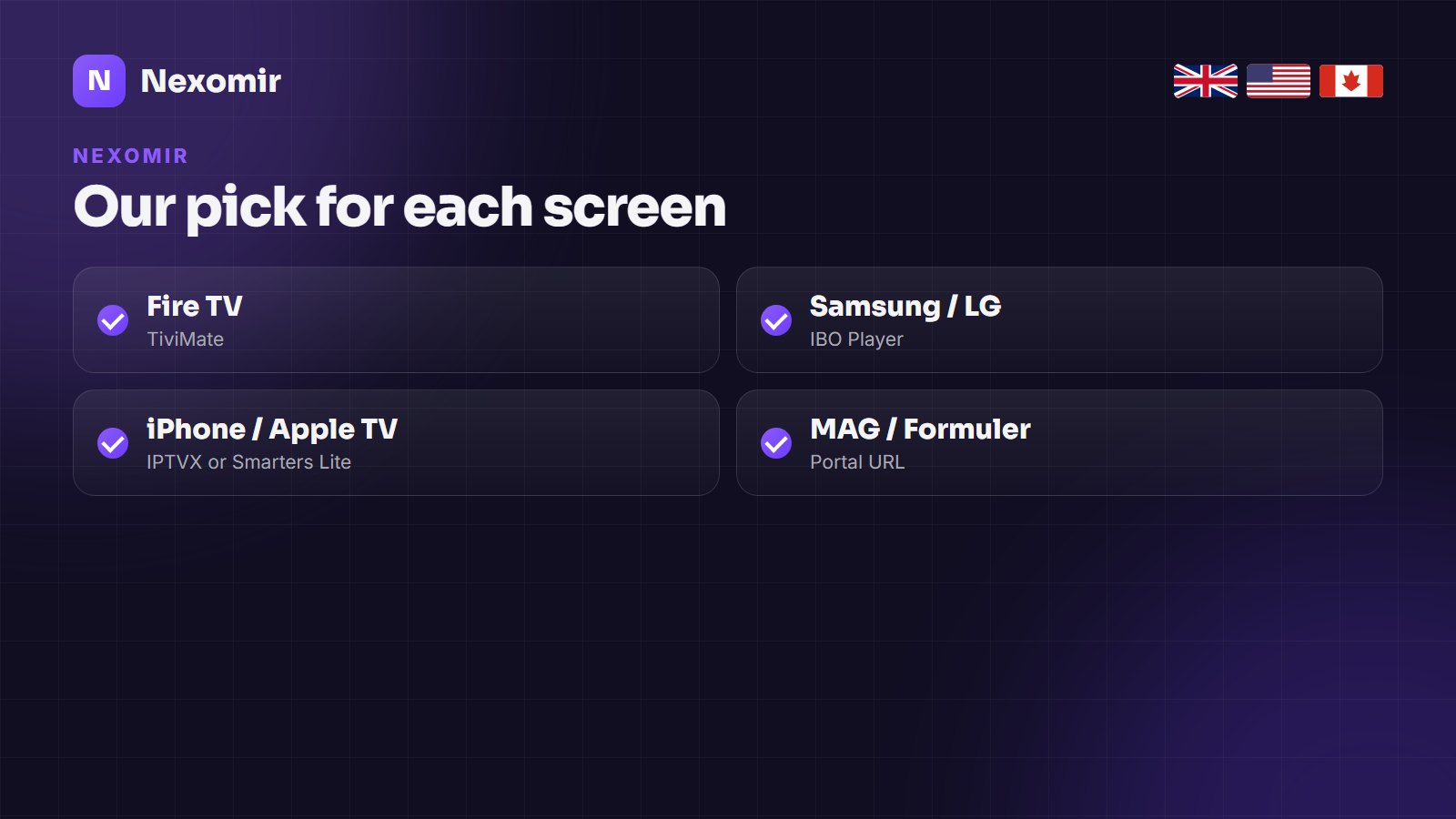
Short answer: there is no Nexomir app or APK. Nexomir sends you a line — a server URL, username and password, plus an M3U link — that works in any standard IPTV player. Our picks: TiviMate on Firestick and Android TV, IBO Player on Samsung and LG, IPTVX or Smarters Player Lite on iPhone and Apple TV, and the portal URL on MAG and Formuler boxes.
A site offering a “Nexomir APK” is not us. Install players only from official app stores or their developers’ own websites, and use the login from your order message.
Each line is created by hand and checked before it is sent on WhatsApp, along with the setup guide for your device. It contains:
Not sure which login type to use? Our explainer on Xtream Codes vs M3U covers the difference. Short version: use Xtream Codes whenever the app offers it.
TiviMate gives you a cable-box style guide that the whole family can use with the remote. Install it through the Downloader app, then:
Prefer an app from the Amazon Appstore with no sideloading? IPTV Smarters Pro does the job. We compare the two in TiviMate vs IPTV Smarters, and the full Fire TV walkthrough is in how to install IPTV on Firestick.
Smart TVs use apps from their own store that are activated by MAC address:
These apps usually charge their developer a small one-off activation fee after a free period. Step-by-step photos are in how to install IPTV on a Smart TV.
Both are in the App Store. IPTVX has the more polished interface and guide; Smarters Player Lite is free. In either, choose the Xtream Codes option and enter your server URL, username and password.
Give us the MAC address printed under the box when you order. Then on a MAG: Settings → System settings → Servers → Portals, paste the portal URL into Portal 1, save and reboot. On Formuler, add the portal in the MyTVOnline app.
Install the same login on every device you own. One line streams on one screen at a time; if two or three rooms watch at once, add connections at a flat discount instead of buying a second subscription — details on the pricing page.
Travelling? The line is not tied to a country. Install the player on your laptop or phone and your home channels come with you — see how to watch home TV abroad.
| Error | Likely cause | Fix |
|---|---|---|
| Invalid credentials | Typo, space or wrong capital | Retype username and password by hand |
| Cannot connect | Server URL incomplete | Include http:// and the port exactly as sent |
| Guide empty | EPG still loading or time zone | Wait up to an hour, set the time zone, refresh EPG |
| Some channels refuse to start | ISP blocking streaming ports | Ask us; a VPN often fixes it in that case |
| Picture freezes at peak time | Wi-Fi or server load | Try a cable, then message support |
More fixes for freezing and stuttering are in IPTV keeps buffering: the fix.
No. Nexomir is an IPTV line that works in standard players such as TiviMate, IPTV Smarters, IBO Player, IPTVX and Smarters Player Lite.
No official Nexomir APK exists. Install players from official stores or their developers’ websites only.
TiviMate for the best TV guide, or IPTV Smarters Pro if you prefer an app from the Amazon Appstore.
Install IBO Player from the TV’s store, send us the MAC address and device key on WhatsApp, and restart the app once we have added your playlist.
Yes, install it everywhere. One line plays on one screen at a time; extra connections can be added at a discount.
No line yet? Get a free 24-hour Nexomir test line and set it up in the player you prefer, or see the plans from $15.
Free IPTV is not a scam and paid IPTV is not automatically better. They are two different products solving two different problems,…
Read the guide
Buffering is a symptom, not a cause. Before you blame your provider or your internet, there is a diagnostic order that narrows…
Read the guide
Nexomir gives every household one free 24-hour test line, with no card details and no account to create. This guide explains how…
Read the guideBlack Friday is here. Lifetime access for $200.
Choose your offer and message the Nexomir team on WhatsApp for fast activation.
Black Friday offer ends in:
✓ Fast activation✓ All devices✓ 24/7 support