How to install IPTV on a Firestick — the complete 2026 setup
The Firestick is the most common IPTV device in the world, and also the most commonly misconfigured one. This is the exact…
Read the guideNexomir is a one-login IPTV subscription for the UK, USA and Canada. This review covers what it carries, how it behaves when everyone is watching, what it costs, and the cases where you would be better off with something else.
Search for a Nexomir review and you mostly find pages that repeat the sales copy. This one tries to answer the questions you would ask a friend who already uses it: does it carry what I watch, does it hold up during the match, what does it really cost, and when should I not buy it?
We publish Nexomir, so read this as the provider’s own account — but every claim below is something you can check during the 24-hour test before paying anything.
| What | Nexomir |
|---|---|
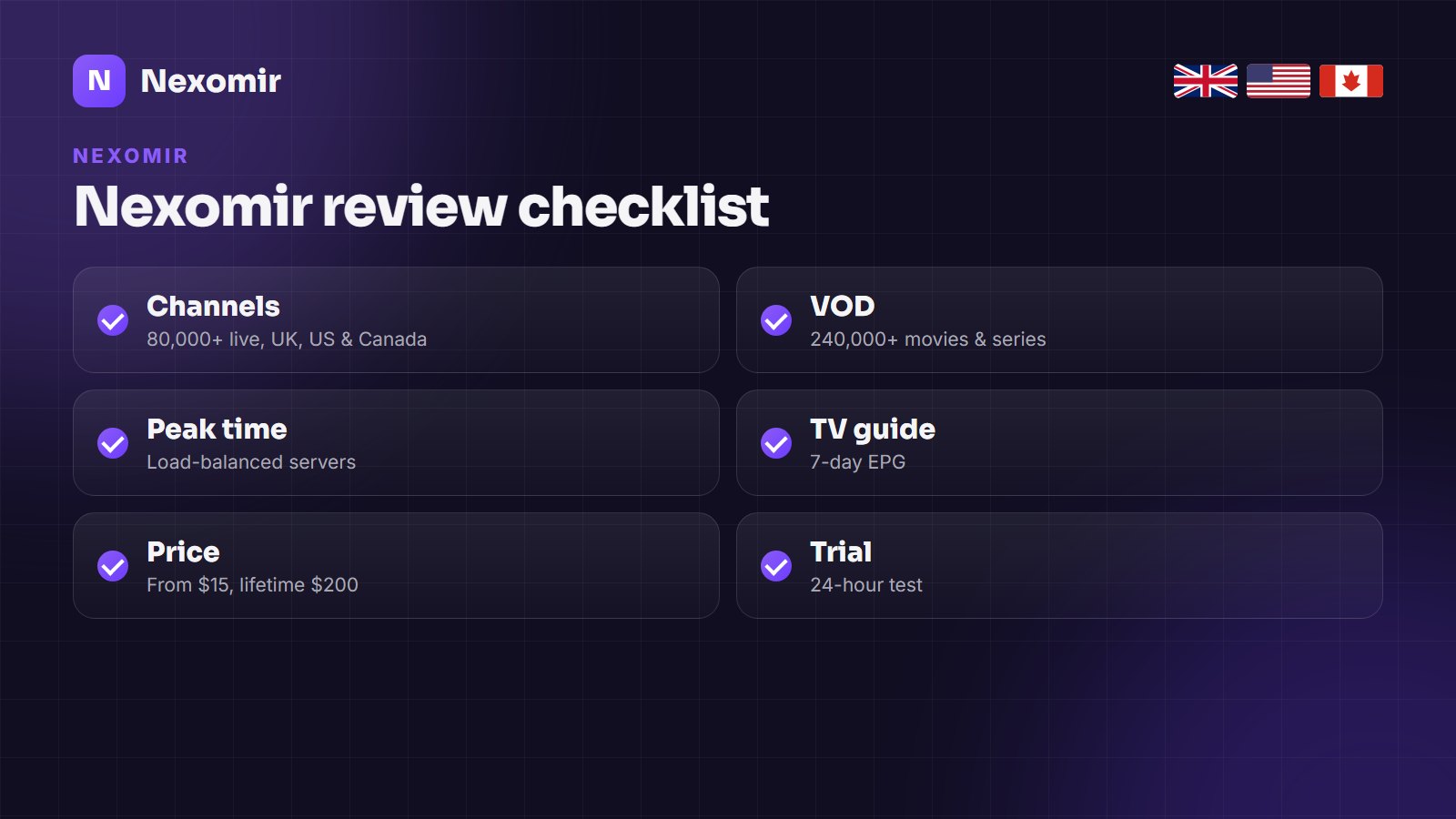
| Live channels | 80,000+, full UK, US and Canadian line-ups |
| Movies and series | 240,000+, updated daily |
| Quality | 4K, FHD and HD versions of the main channels |
| TV guide | 7 days, loads with the login |
| Price | From $15 a month, $80 a year, $200 once for lifetime |
| Test before paying | 24-hour trial, no card |
The total is large, but totals hide gaps. What matters is that the packages are complete: BBC, ITV, Channel 4, Sky Sports and TNT Sports for the UK; locals, ESPN, NFL Network, HBO and the cable networks for the US; CBC, CTV, TSN and Sportsnet for Canada; and the international groups expats ask for. The channels page lists them by country.
The main sport and film channels come in 4K, FHD and HD versions. On a 50 Mbps line the 4K feeds look sharp; on a slower connection the FHD feed is the sensible default. The real test is a Saturday afternoon or a Sunday evening, when the servers carry their heaviest load. Nexomir keeps spare capacity for those windows and can move a line to another source if a channel misbehaves.
If a channel buffers, try its FHD version before anything else. Our buffering guide covers the home-network causes, which are the most common ones.
Every plan is one payment; nothing renews in the background. A month is $15, a year is $80 and the lifetime plan is $200 once. The 3-month and 6-month terms and their screen counts are on the pricing page. All plans carry the same channels and library.
You receive Xtream Codes details — a server address, a username and a password — that work in IPTV Smarters Pro, TiviMate, IBO Player and most other players. Step-by-step guides: Firestick and Smart TV. If your device wants a playlist URL instead, our Xtream Codes vs M3U guide explains the difference.
Nothing is stored for renewal. Before the term ends you get a reminder; if you renew, the same login is extended so nothing has to be reinstalled.
Free M3U lists do work, for a while. What you pay Nexomir for is the maintenance: dead links replaced, a guide that is matched to the channels, capacity at peak time and someone to message when something breaks. If you are on the fence, our free IPTV vs paid IPTV comparison lays out where free genuinely wins and where it costs you.
Nexomir does the unglamorous parts properly: complete national packages, a guide that is filled in, backup feeds for big events and people who answer messages. It is not the right choice for someone who wants a card-on-file app subscription, and it is not magic on a weak connection. For everyone else, the 24-hour test settles it.
A few guides from other IPTV sites that are worth a look while you compare:
Trying Nexomir for the first time? Get the 24-hour Nexomir free trial, and set it up with the Nexomir app guide.
Nexomir publishes its prices, offers a 24-hour test without a card, delivers standard credentials that work in mainstream players and answers support messages around the clock. You can check each of those before paying.
More than 80,000 live channels and over 240,000 movies and series, with complete line-ups for the UK, the USA and Canada.
From $15 for a month; a year is $80 and the lifetime plan is $200 once. Every plan is a single payment with no auto-renewal.
Yes. Use IPTV Smarters Pro or TiviMate on a Firestick, and IBO Player or a similar app on Samsung and LG TVs.
Yes. Ask for the 24-hour test on WhatsApp; you get the full channel list and library on your own device.
A Nexomir review is only as good as the evening you test it on. Pick a busy one, run the 24-hour test, and decide on what you saw rather than on anyone’s star rating — including ours.
The Firestick is the most common IPTV device in the world, and also the most commonly misconfigured one. This is the exact…
Read the guide
You move, and the television stops being yours. The news is in a language your parents do not speak, the football is…
Read the guide
Every smart TV can play IPTV. What differs is how you get the app onto it, and that single detail decides whether…
Read the guideBlack Friday is here. Lifetime access for $200.
Choose your offer and message the Nexomir team on WhatsApp for fast activation.
Black Friday offer ends in:
✓ Fast activation✓ All devices✓ 24/7 support